SPANT ORGA · Box Inventory
What’s where?
Scan. Found.
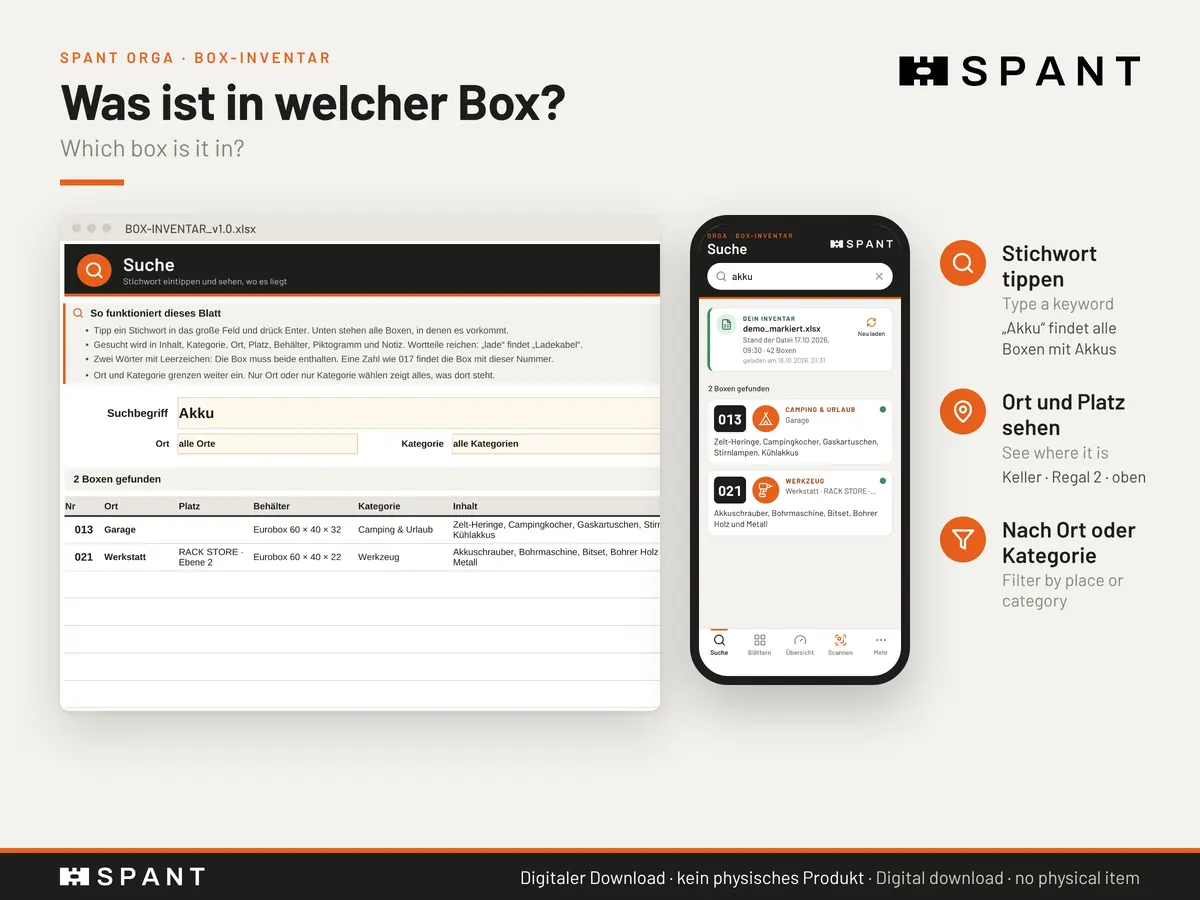
Every box gets a fixed number, a label with a QR code and a row in your database. Scan the box with your phone and see what’s inside. Even offline in the basement.
How it feels
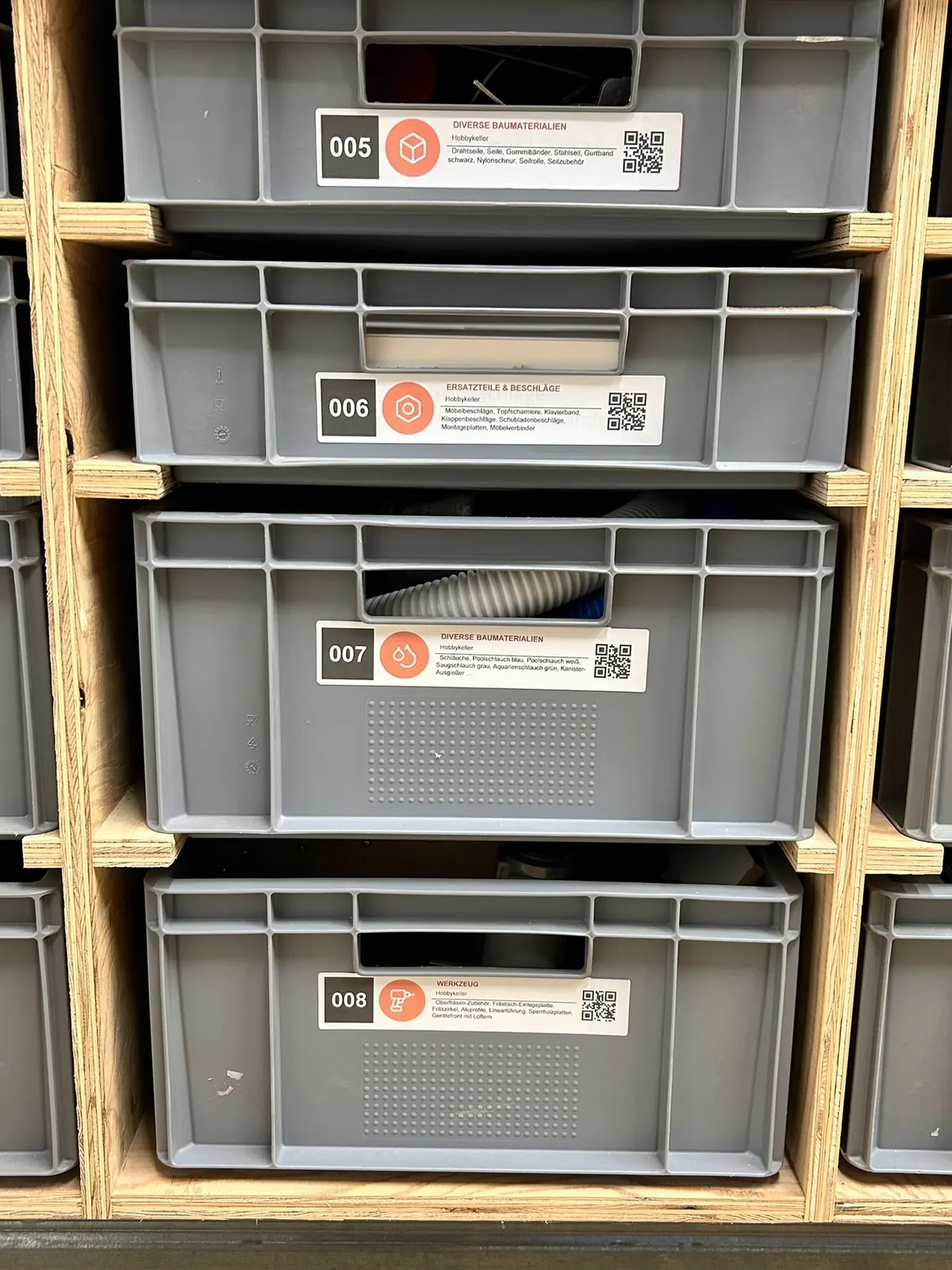
Box 007 from my workbench. One scan, please.
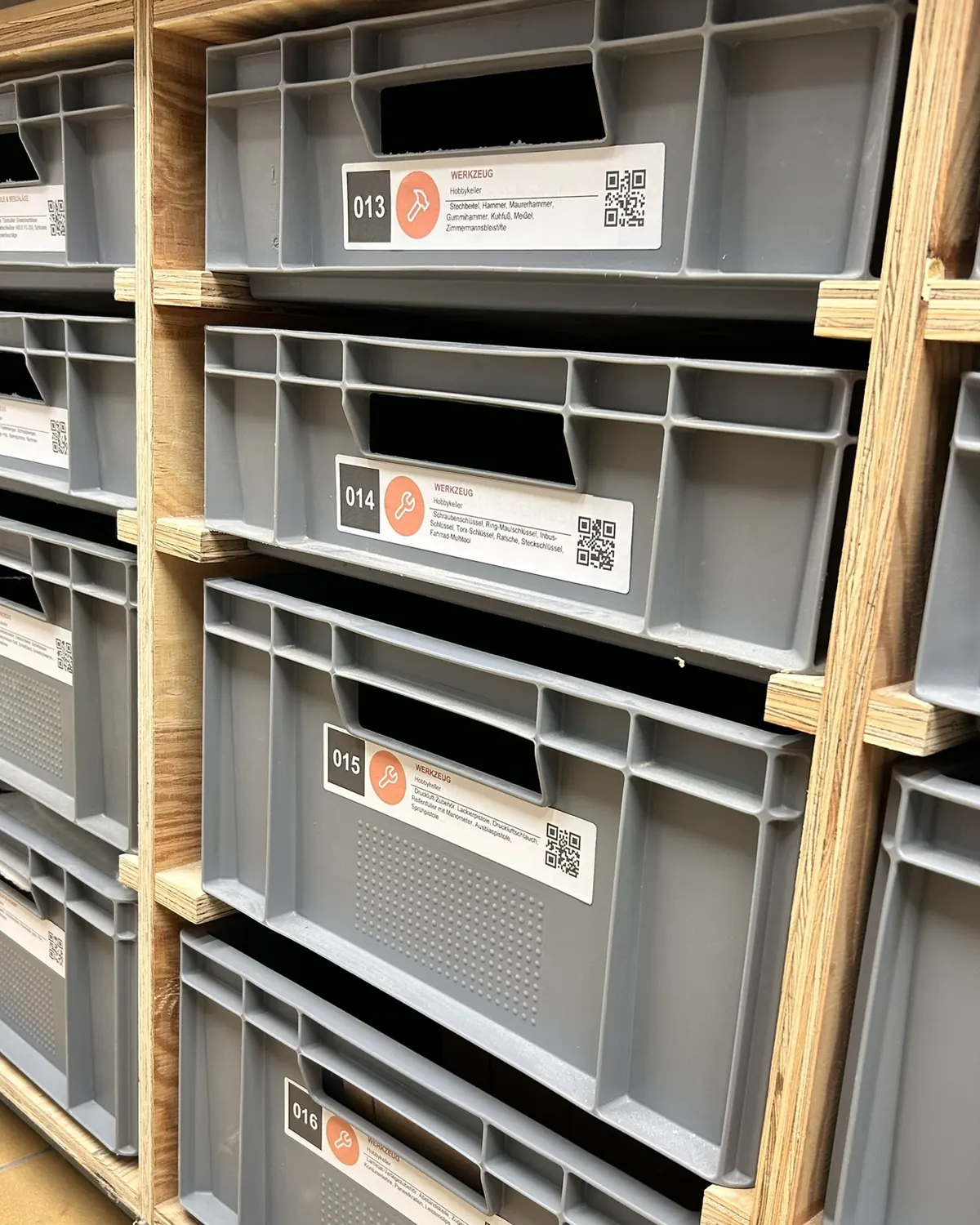
A real label on a real box: the app reads the QR code and shows contents, place and photo from the database.
Hold the QR code inside the frame
SPANT-BOX-007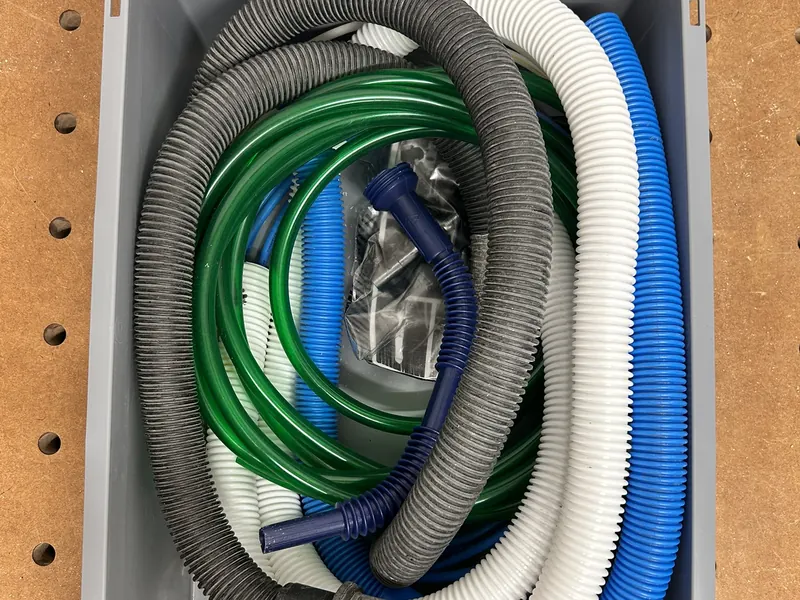
- 1Scan the labelCamera inside the app, not the photo app.
- 2Box foundThe QR code only holds the fixed box number.
- 3Contents, place, photoAll from your database, even offline.
One system, three parts
Database, label and app work hand in hand.
01 · The database
Everything in one place. Kept on your PC.
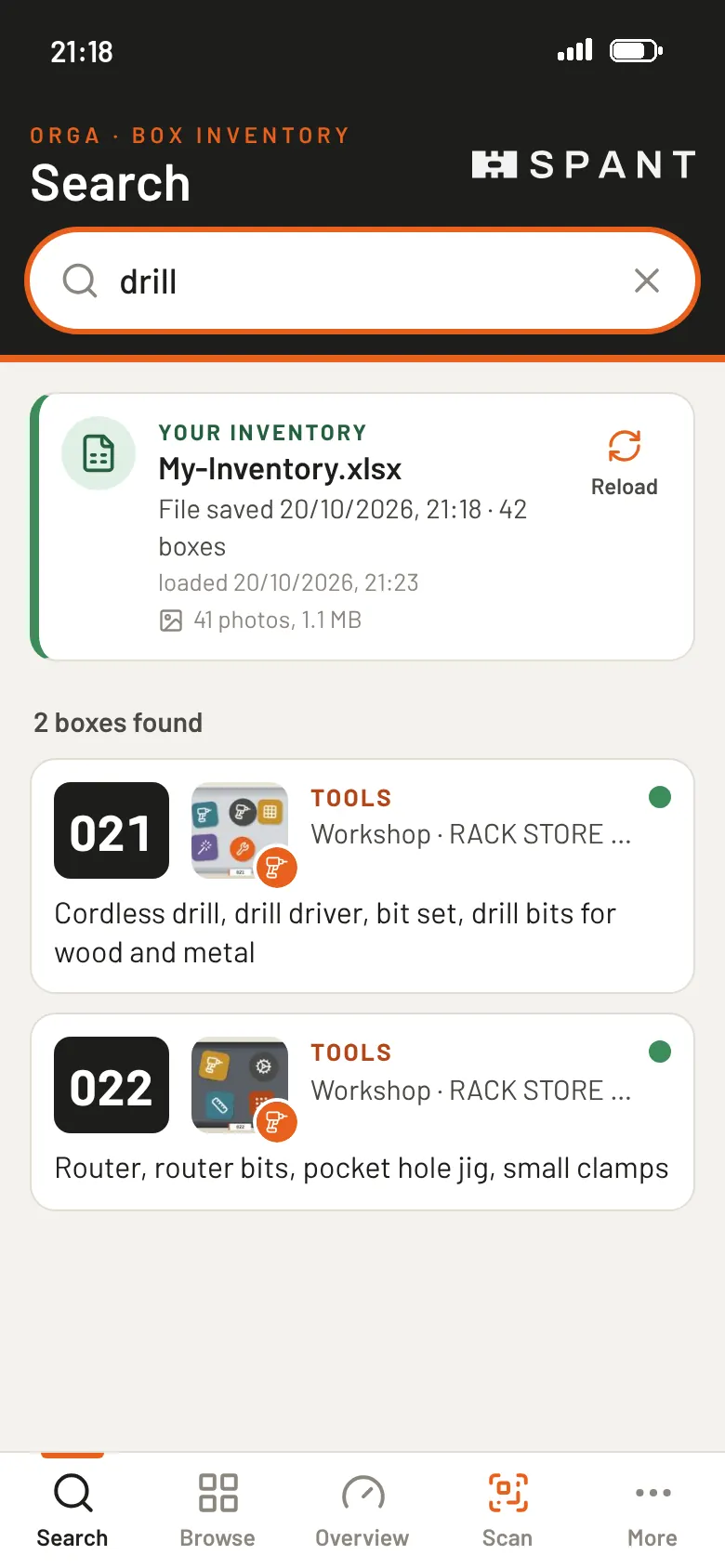
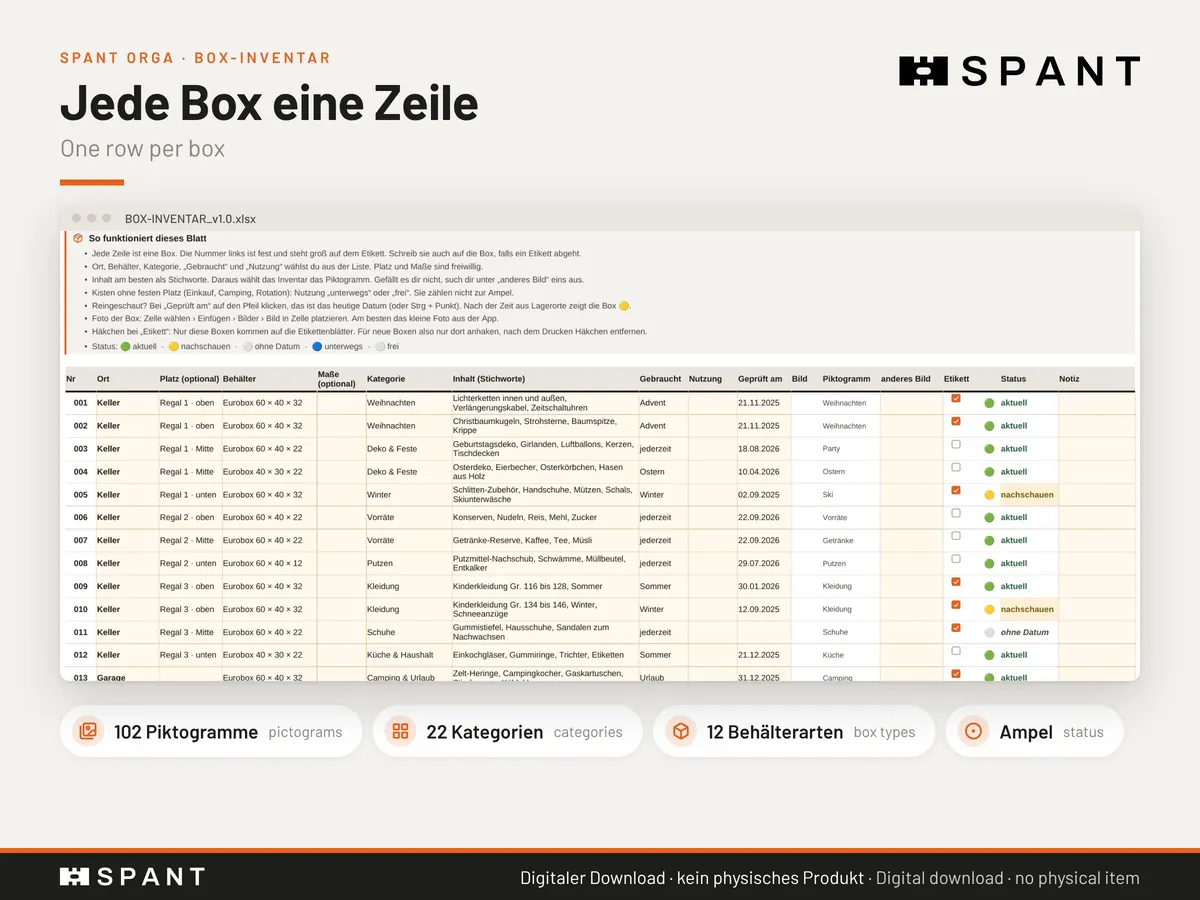
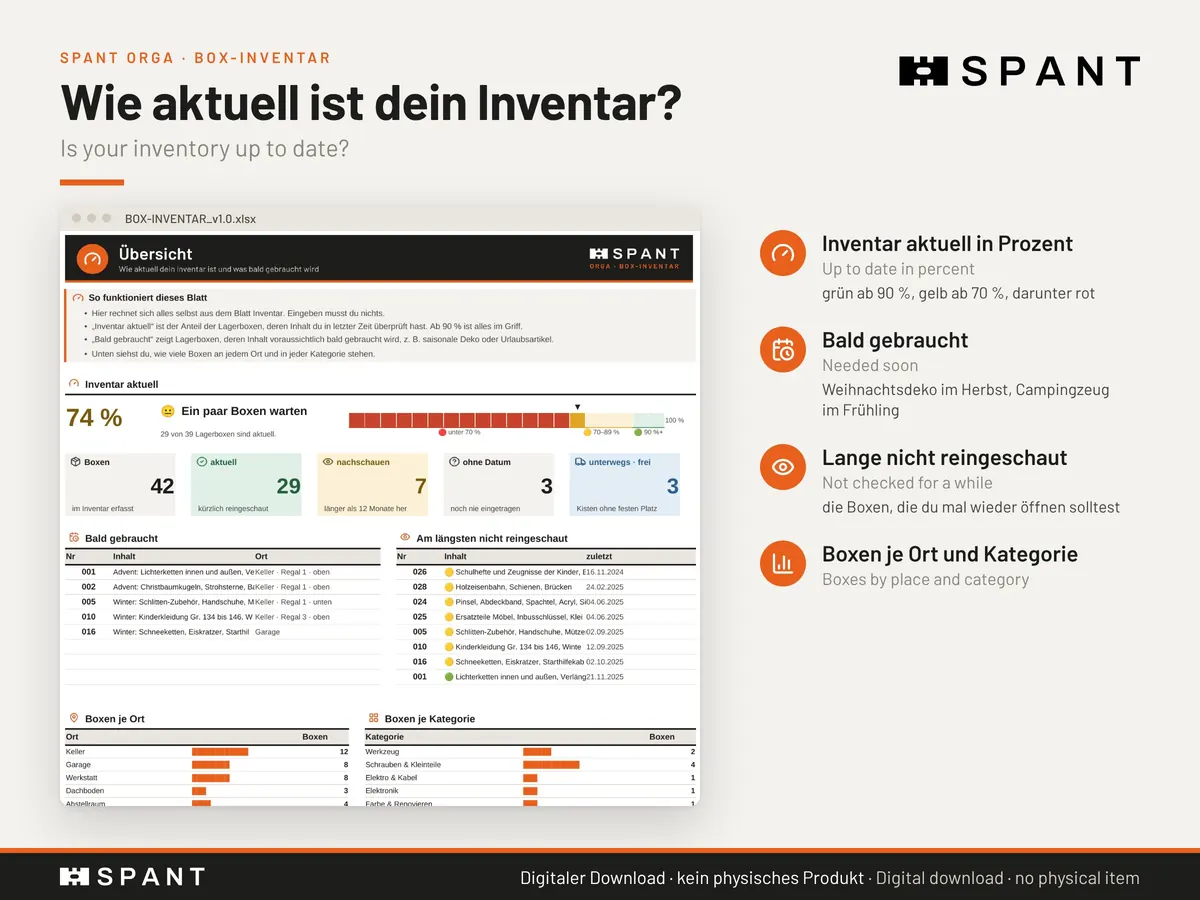
At its heart is an Excel workbook for up to 250 boxes and 22 storage places. Enter place, spot, box type, category and contents, and the workbook picks the right pictogram from your keywords. One photo per box shows at a glance what’s inside.
- Demo workbook with 42 sample boxes to try out
- Traffic light: which boxes haven’t been checked for a while?
- Printable 19-page PDF for pen-and-paper fans
- English and German version in one purchase
02 · The labels
Print, stick, done.
Number, pictogram, category, place, contents and QR code. Only the boxes you tick get printed. Pick a size:
Location labels for your shelves: scan the box, then scan the shelf label, and the new place is in your change list.
The QR code never expires: it only holds the fixed box number. If the contents change, there is nothing to reprint.
03 · The app
Your boxes in your pocket.
The app is included for free and runs in your browser at spantwerk.com/inventar. Load your database from OneDrive, iCloud or Google Drive, add the app to your home screen, done.
- Offline after the first visit, even in a basement without signal
- No account, no server: the app reads your file straight from your phone
- Changes on your phone go into a list for your PC
- English and German, for iPhone and Android
The demo starts with 42 sample boxes. Your own database comes with the purchase.
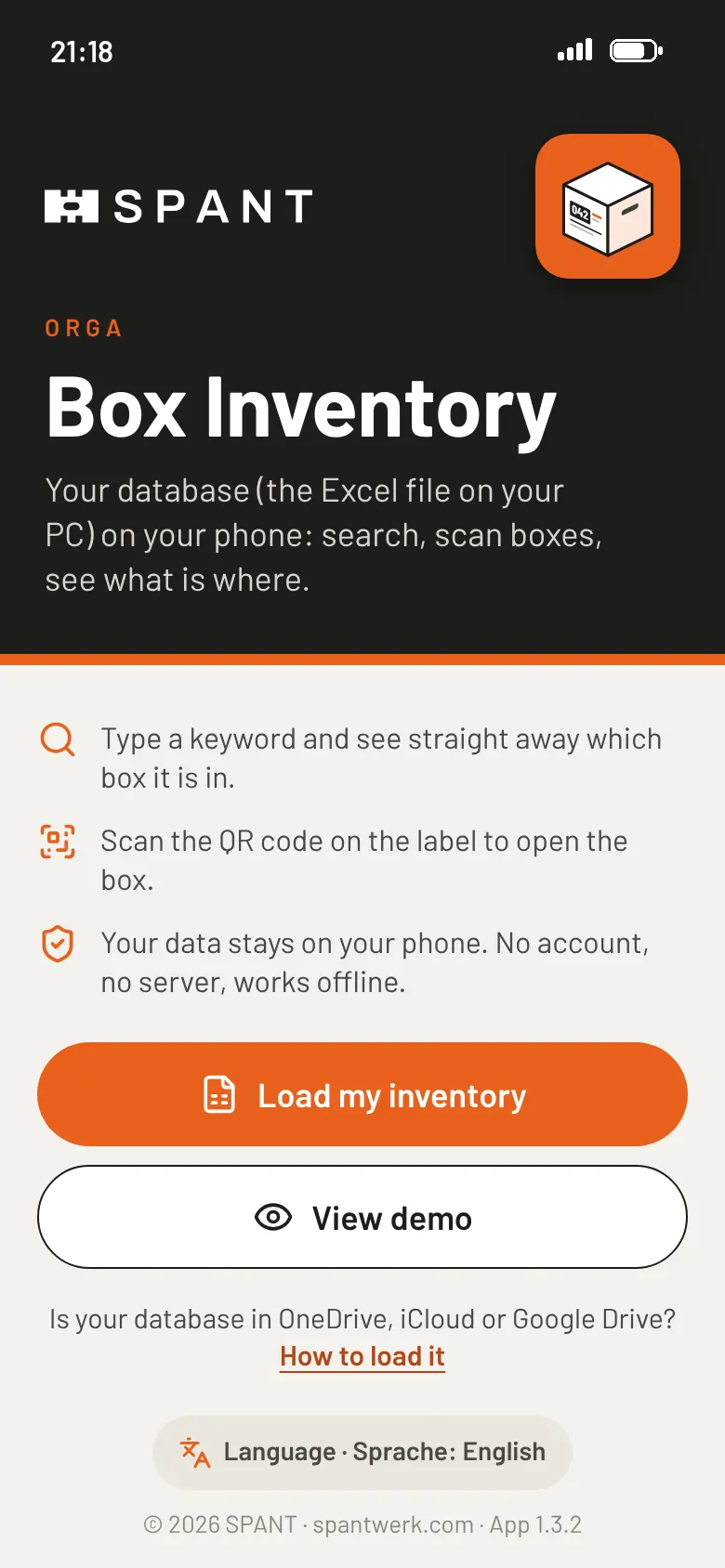
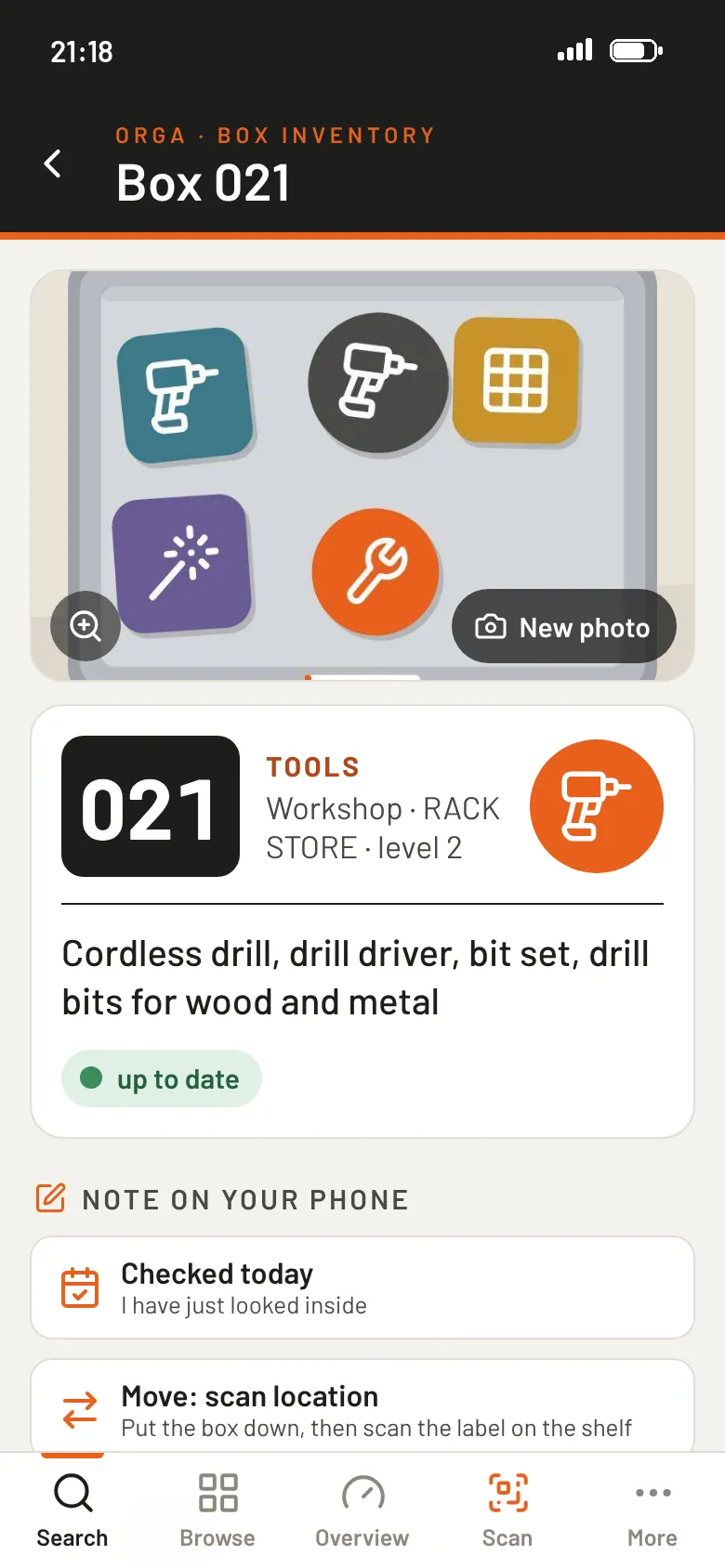
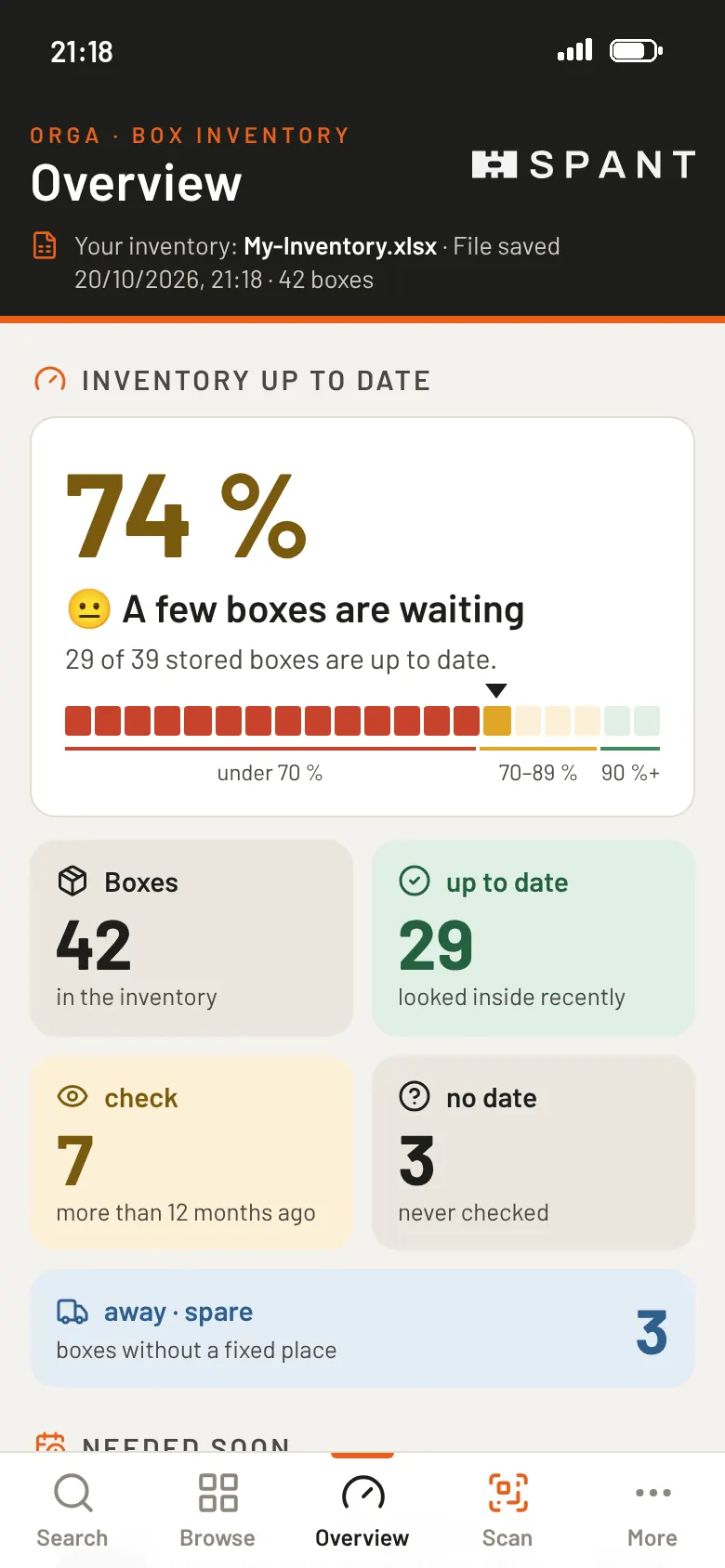
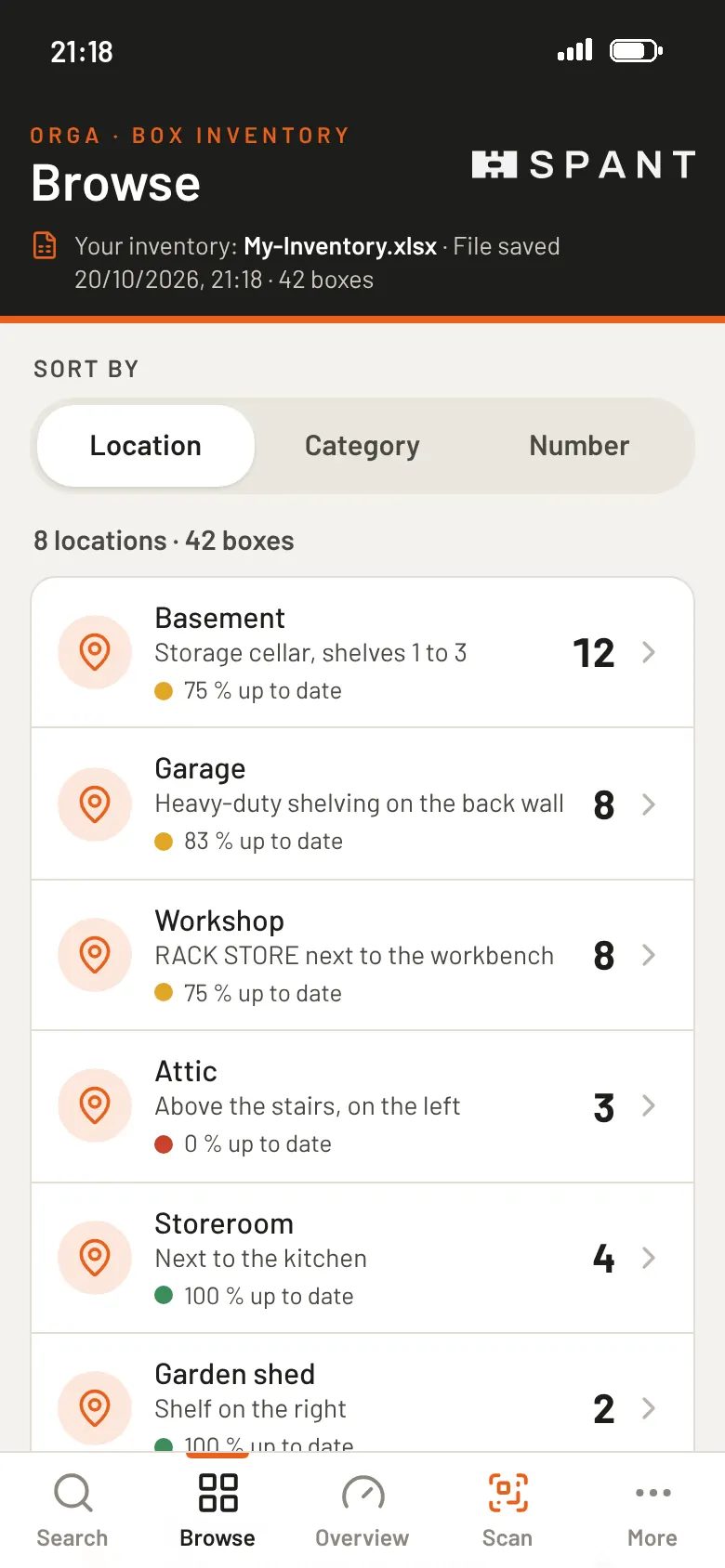
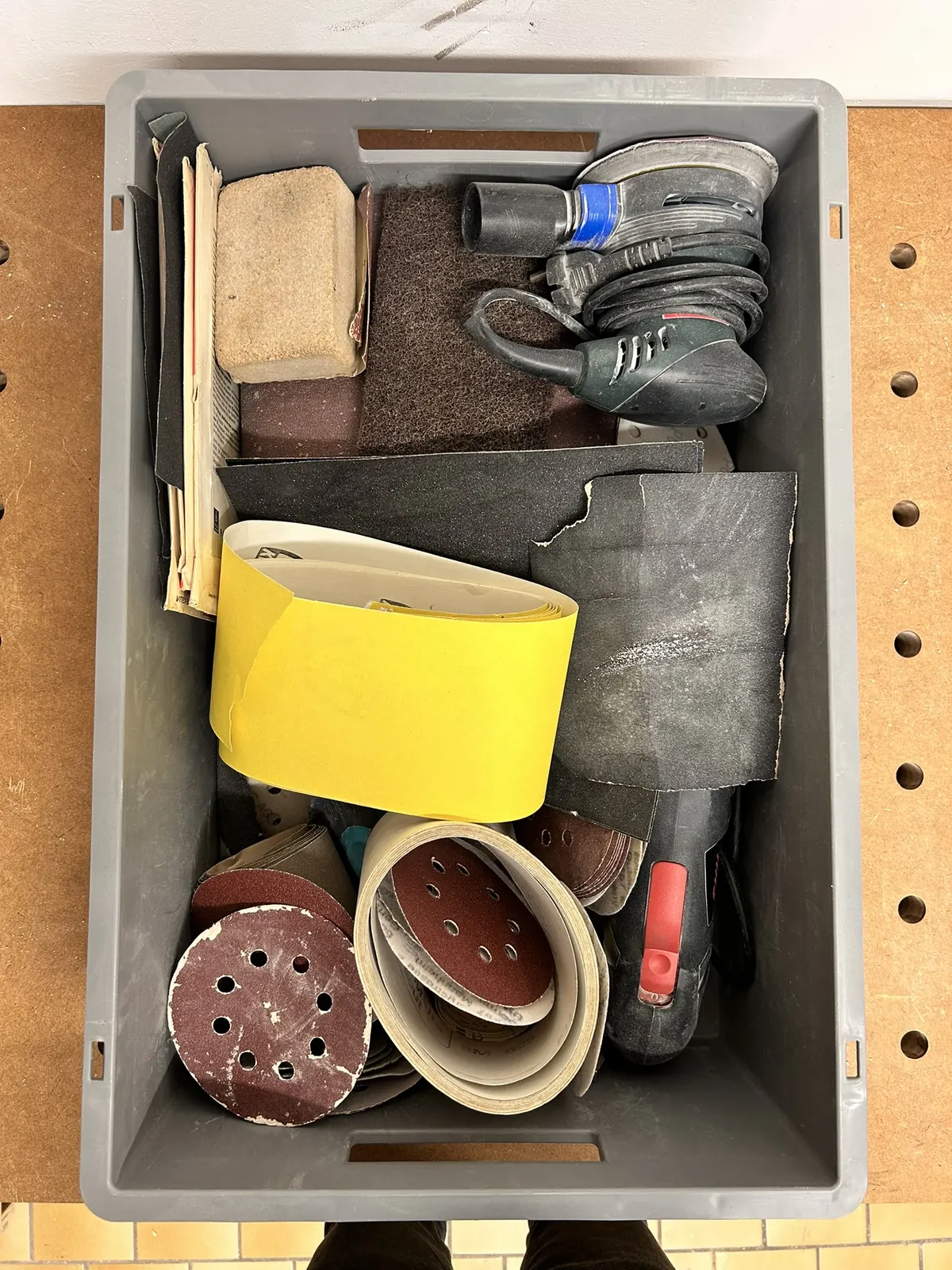
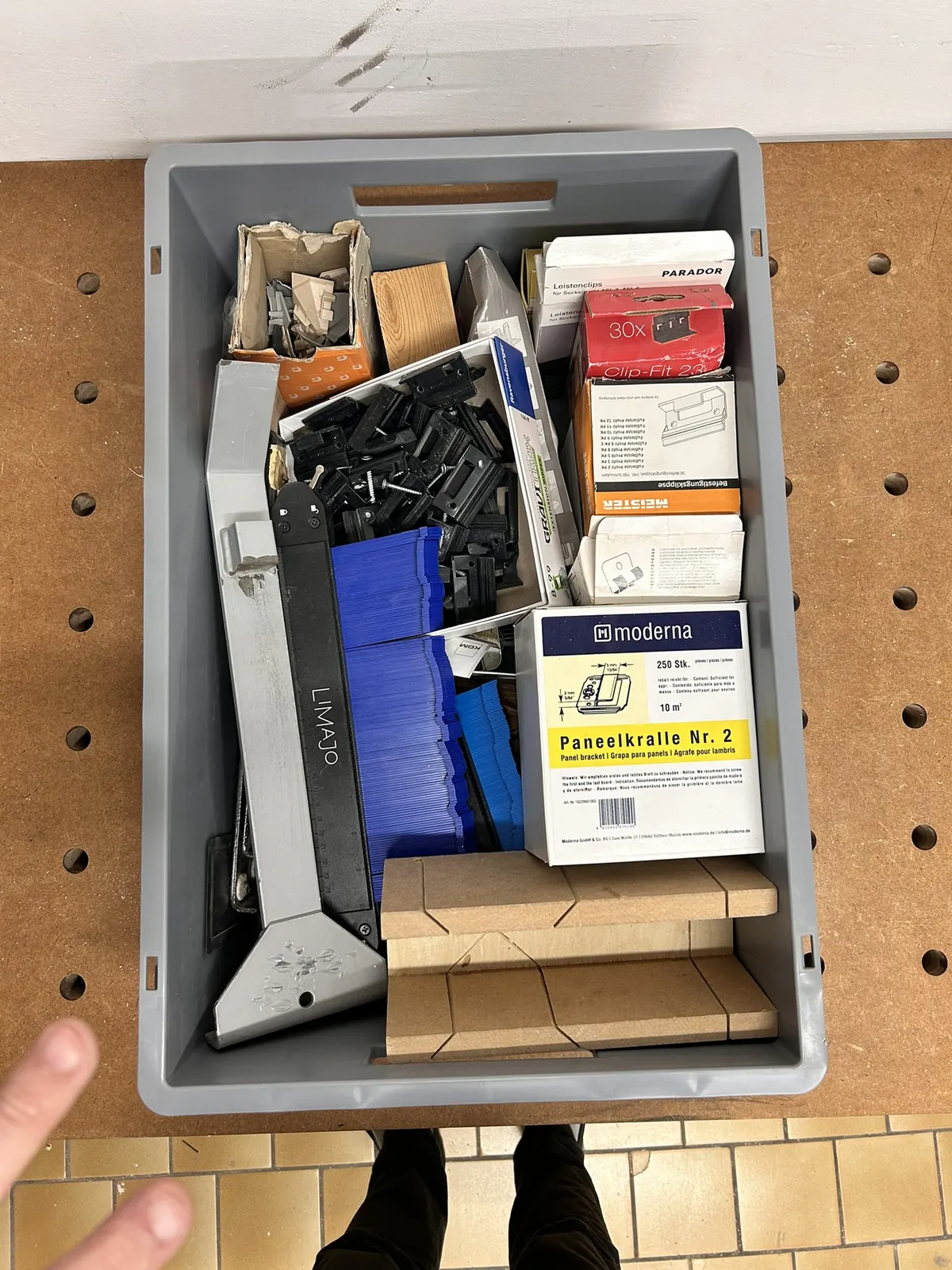
Photo & AI
Don’t feel like typing? Take a photo.
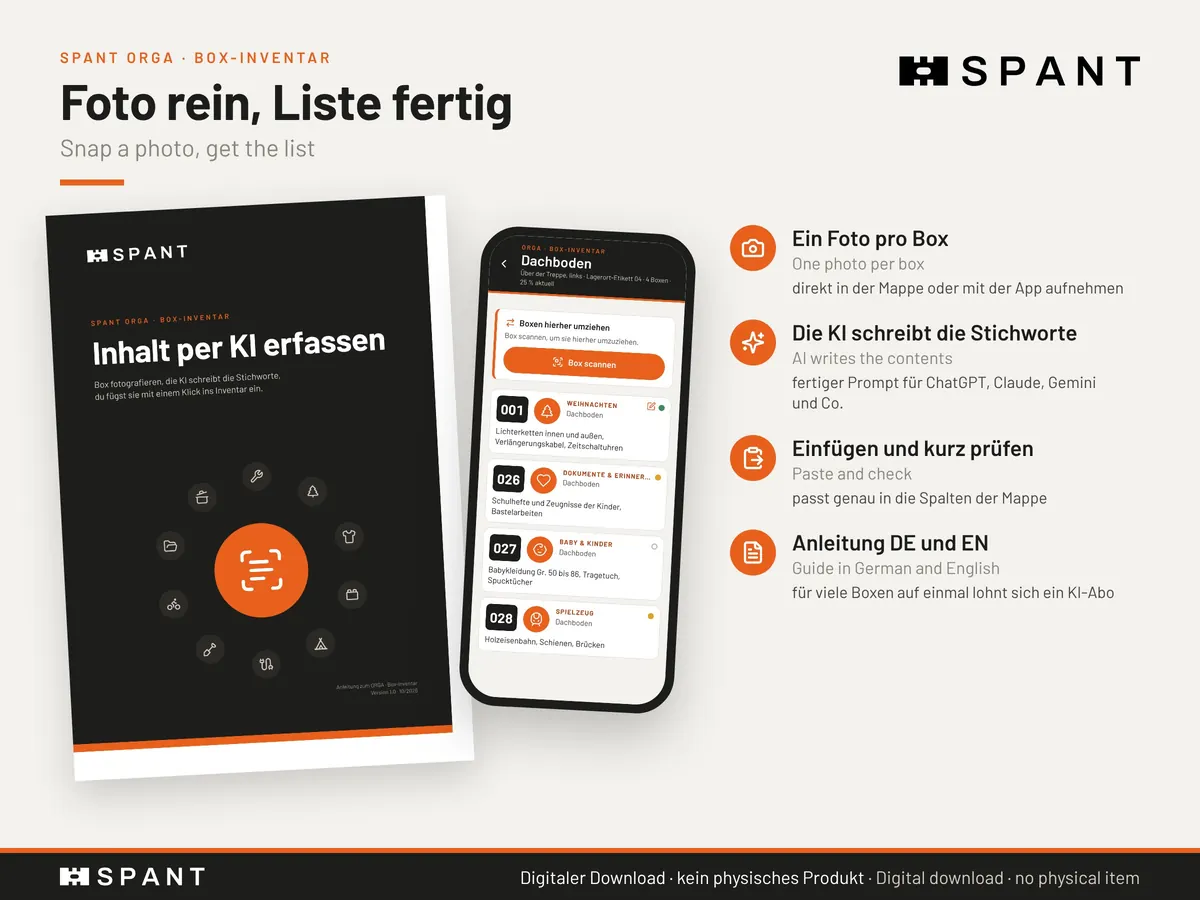
Box on the bench, photo from above. With the AI guide and the ready-made prompt, an AI of your choice writes the contents list in the workbook’s format, and you just paste it in. That’s how I listed the 32 boxes in my workbench in one evening.
The photo also goes into the database and shows in the app. For many boxes a paid AI plan is usually worth it; it is not included in the price.
Euro container life
The number stays. Wherever the box goes.
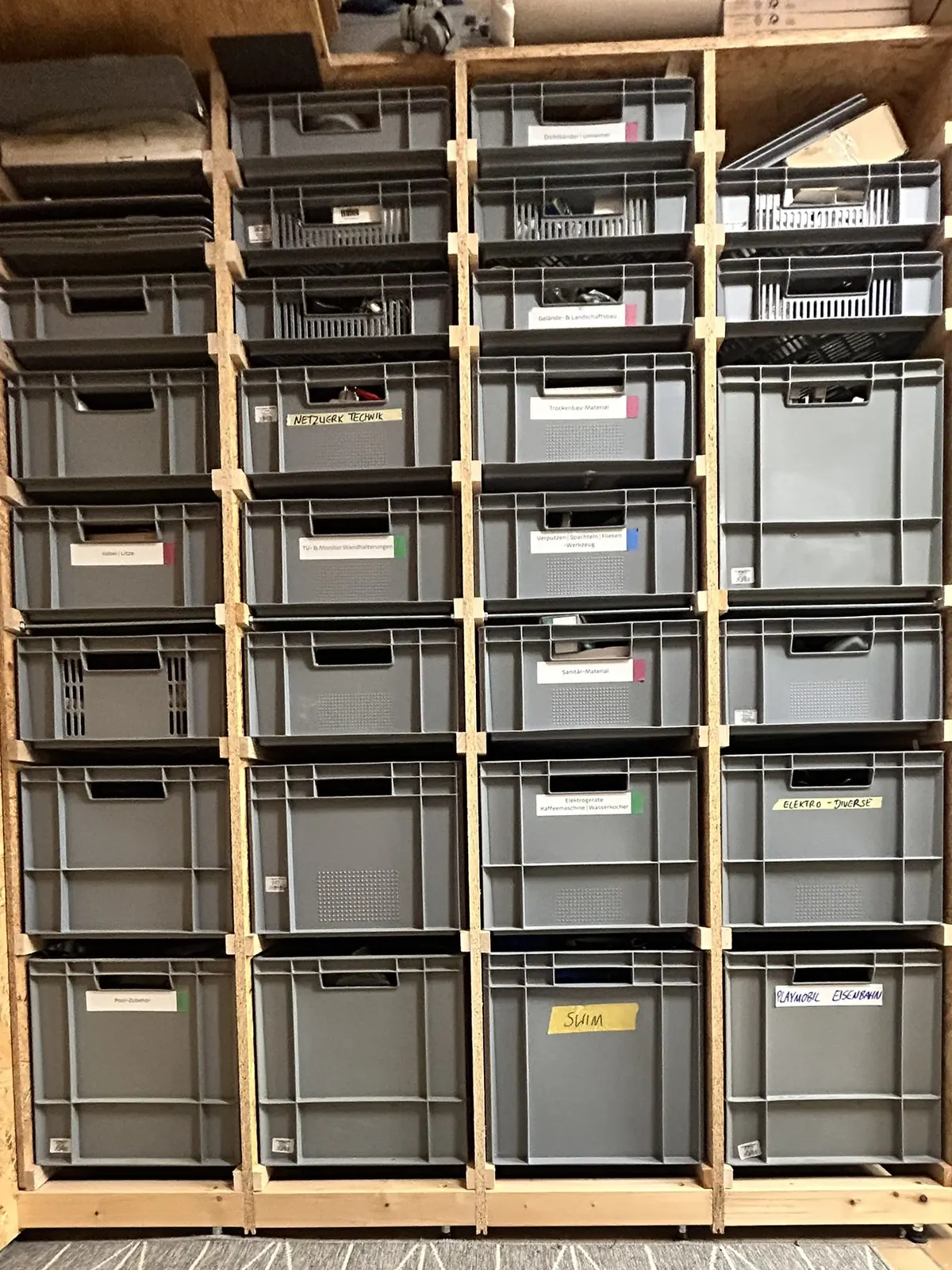
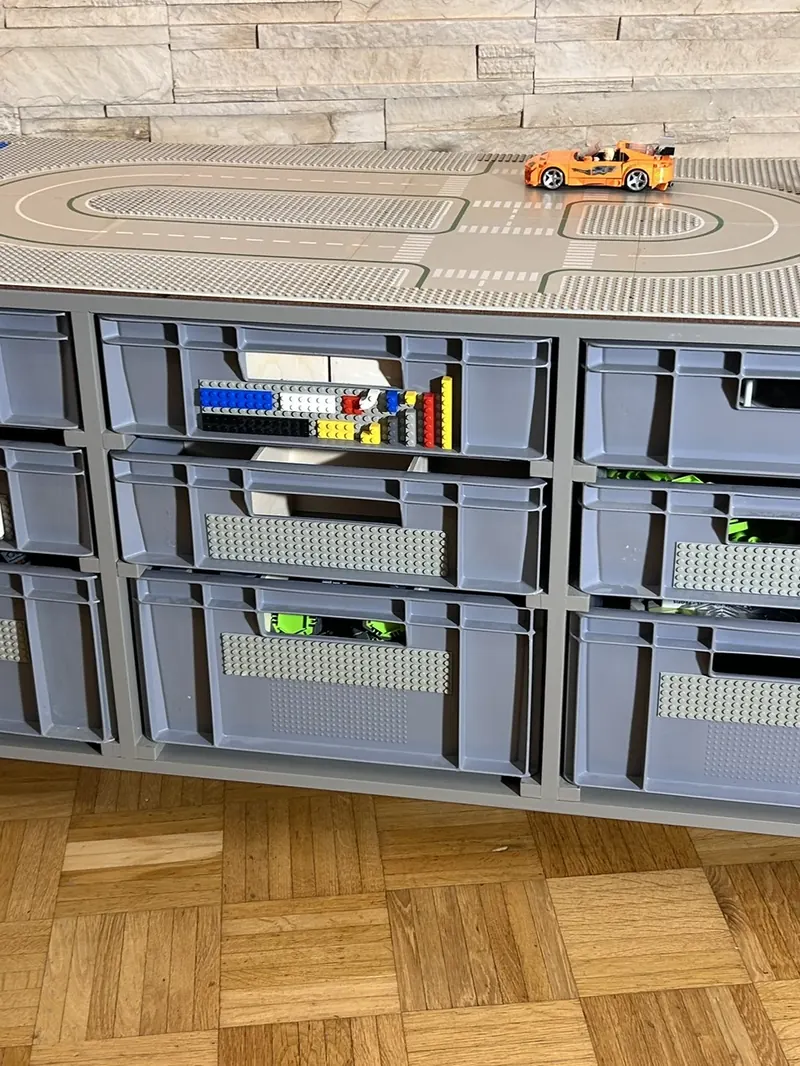
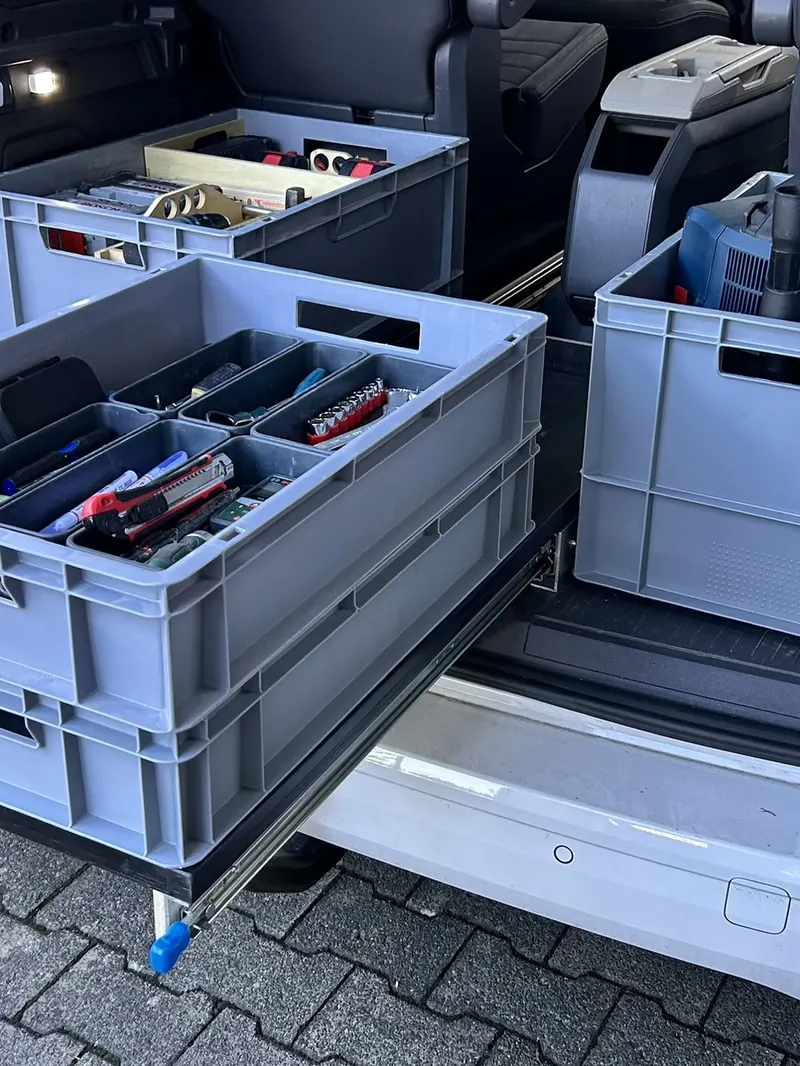
Euro containers move around: from the workbench to the shelf, from the basement to the car. With the Box Inventory you still know where each one is and what’s inside. The app even remembers which boxes are out and about. It works with cardboard boxes and other bins too.
How to start
Ready in one evening.
- 1
Buy on Etsy
Instant download: workbook EN + DE, demo, print PDF, AI guide.
- 2
List your boxes
By hand or via photo and AI. Number, place, contents.
- 3
Print labels
Tick the boxes, pick a size, stick them on.
- 4
Open the app
Load your database and start scanning.
What you get
- Excel workbook for 250 boxes, English and German
- Demo workbook with 42 sample boxes
- Printable PDF, 19 A4 pages
- AI guide with ready-made prompt
- Phone app included for free
What you need
- Excel® for Microsoft 365 (PC or Mac): pictograms, QR codes and photos in cells only show there
- A phone with an up-to-date browser
- A printer and label sheets
Who is it for?
For anyone with more boxes than memory: basement, workshop, garage, attic. And for anyone moving house who wants to know what went where.
FAQ
Good to know
Do I need Excel?
For the full experience, yes: Excel for Microsoft 365 shows pictograms, QR codes and photos right in the cells. Older Excel versions and LibreOffice calculate everything but show no pictures. I don’t recommend Google Sheets or Apple Numbers.
Where is my data stored?
Only with you: in your Excel file and in your phone browser’s storage. The app has no account and sends nothing to a server.
Can I edit boxes in the app?
Partly: “checked today”, move, away/spare, note and photo go into a change list in the app. You copy those into the database on your PC, and the app ticks them off on the next load. The app never writes into the file itself.
Can the whole family use it?
Yes. Put the workbook in a shared OneDrive, iCloud or Google Drive folder and every phone loads the same database.
Only for Euro containers?
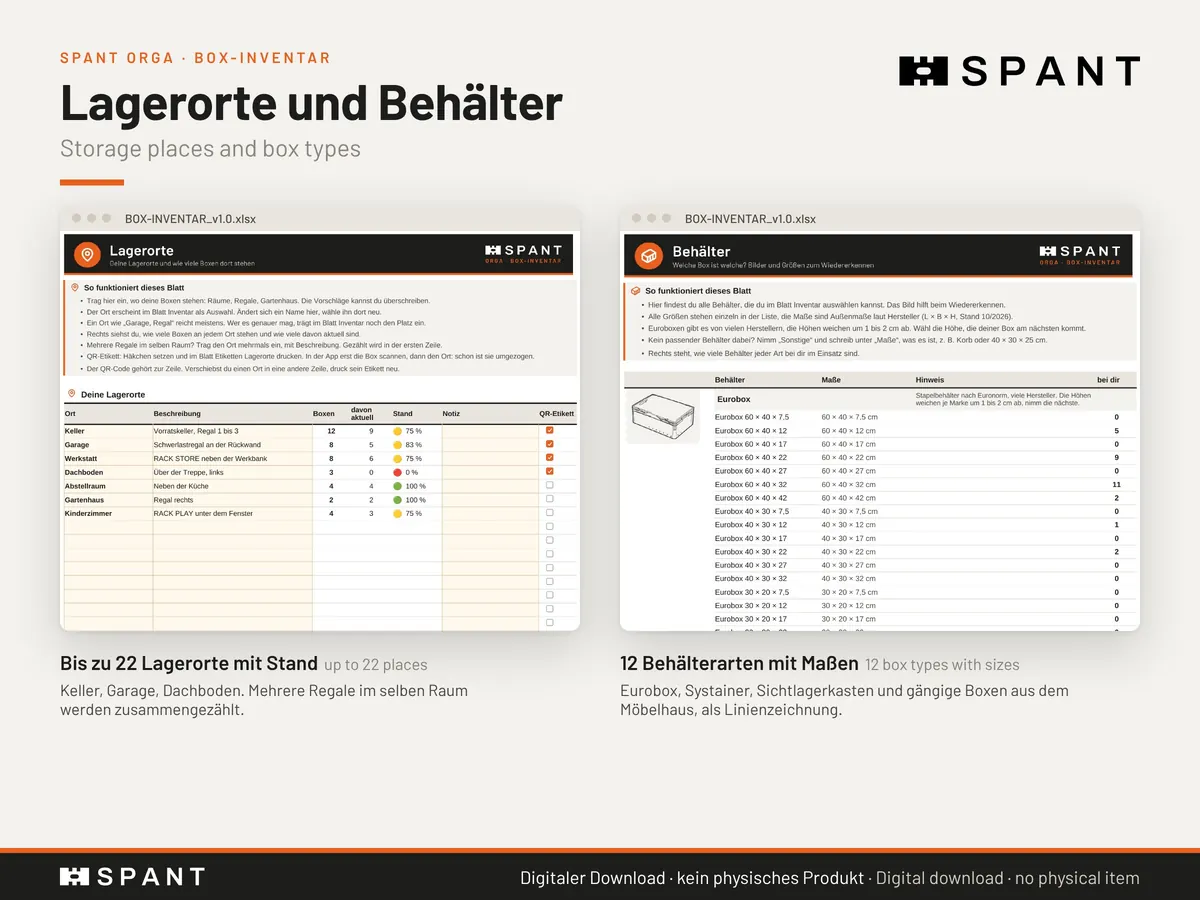
No. The workbook knows 12 container types with sizes, from Euro containers to SAMLA and TROFAST boxes and moving cartons. The names only describe the size.
Excel® is a trademark of Microsoft, iPhone® of Apple, Android™ of Google, Avery® of Avery. SAMLA and TROFAST only describe box sizes. All names are used for explanation only. No affiliation, not endorsed or authorised.
Done searching through boxes?
ORGA · Box Inventory is in the Spantwerk Etsy shop as an instant download. The app is included for free.